Basic
$4.99/ month
3,000 creditsevery month · Made for small stores getting started
- No watermark on any photo
- Photo editor + AI copywriter
- Publish straight to your products
- Regenerate any single photo
- Unused credits roll over
 Add to Shopify
Shopify app · 3 photos free to start
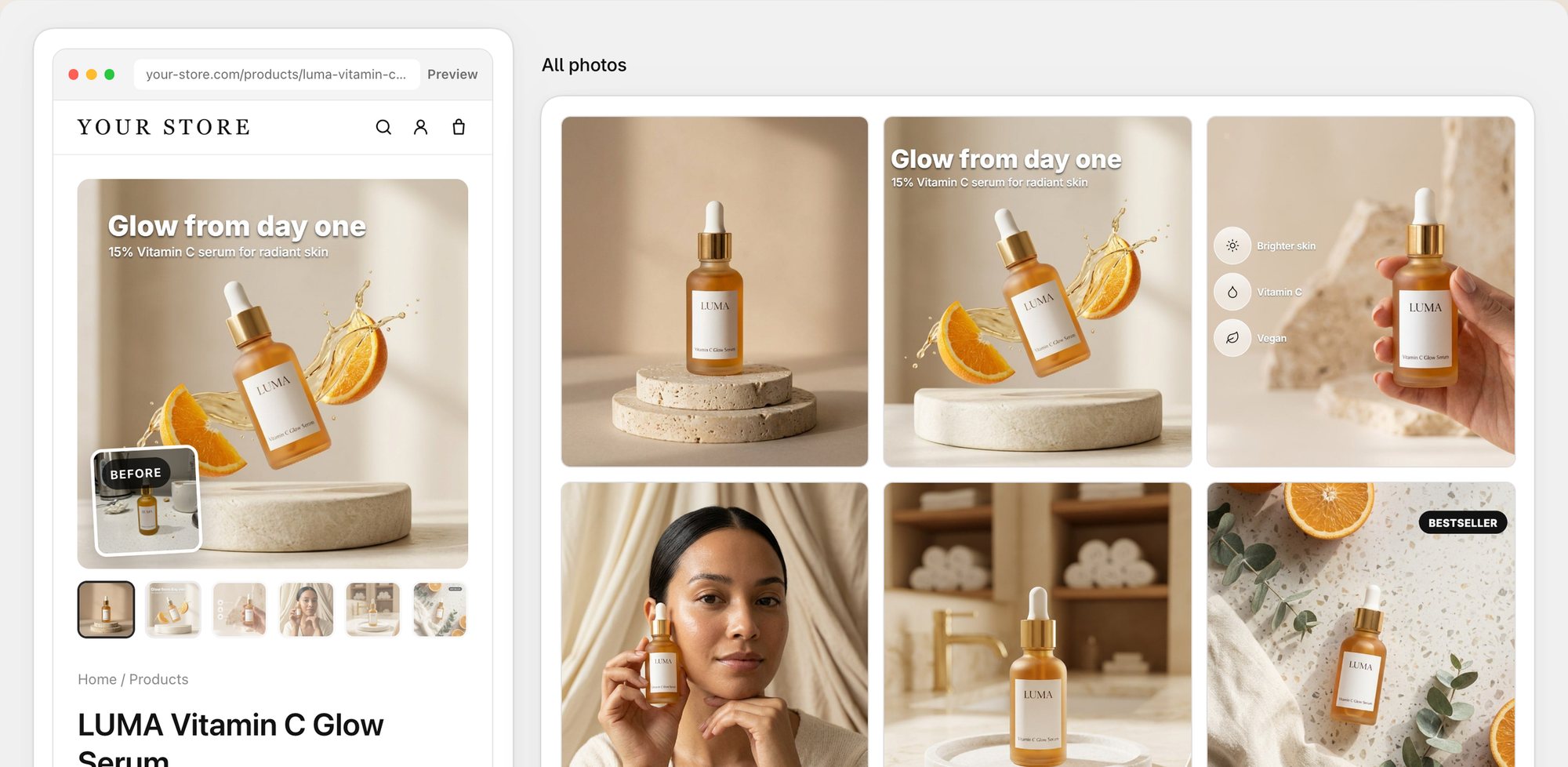
Sixora turns a quick snapshot into six studio photos with headlines and benefits, ready to sell. Publish them to your Shopify product in one click.
6 studio photos1024×1024 px~1 min to shoot11 styles + custom
The result
This is one photo of a serum bottle on a messy counter, and the six shots Sixora made from it. Same bottle, same label, six different jobs on your product page.
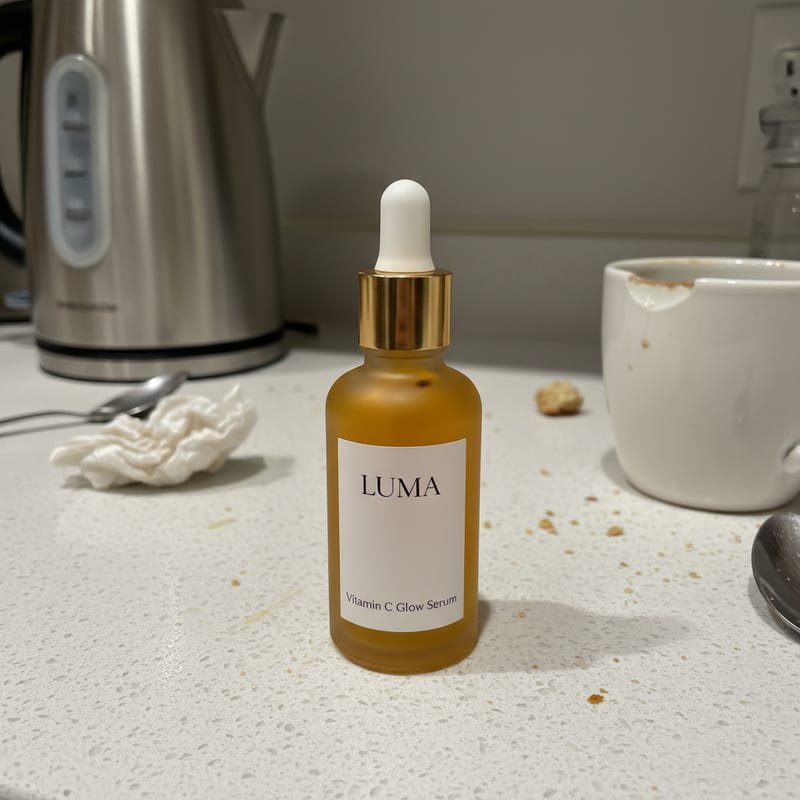
Shot on a phone, on a Monday morning.
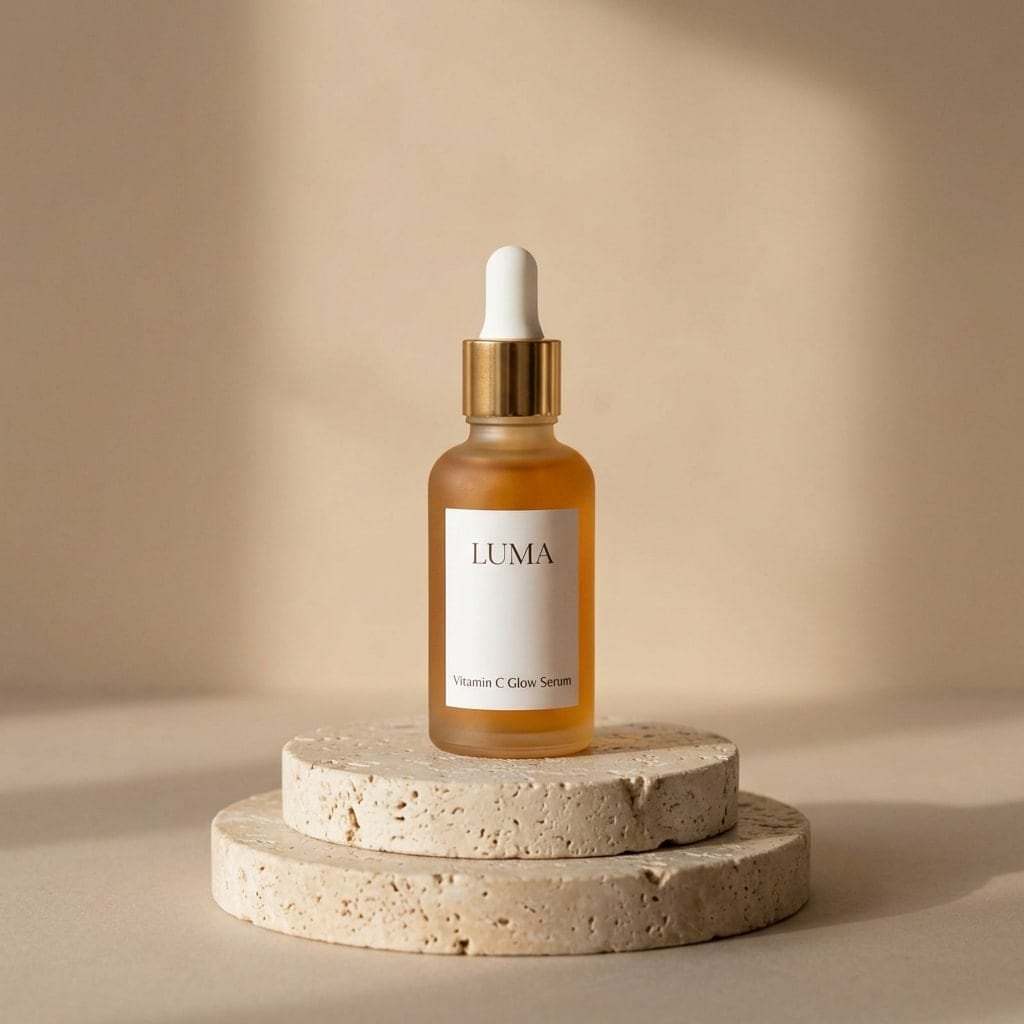
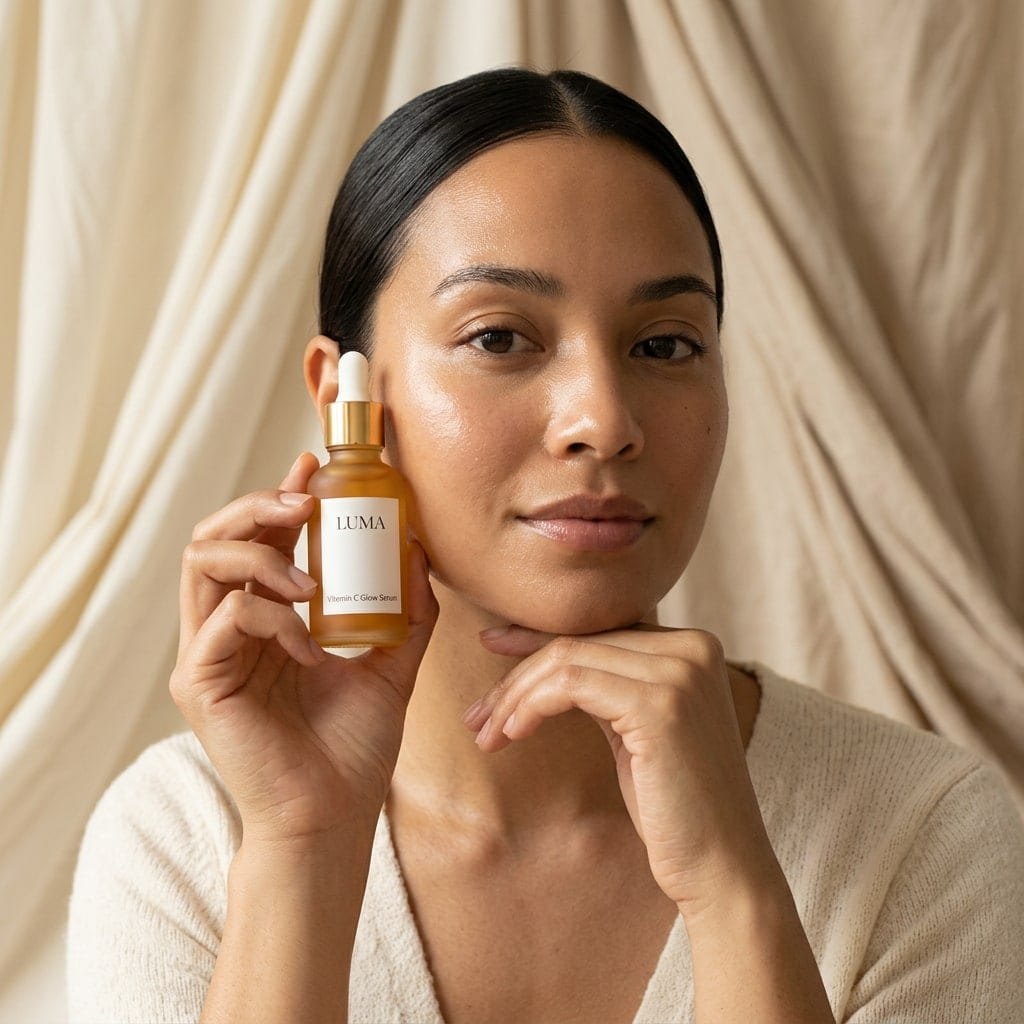
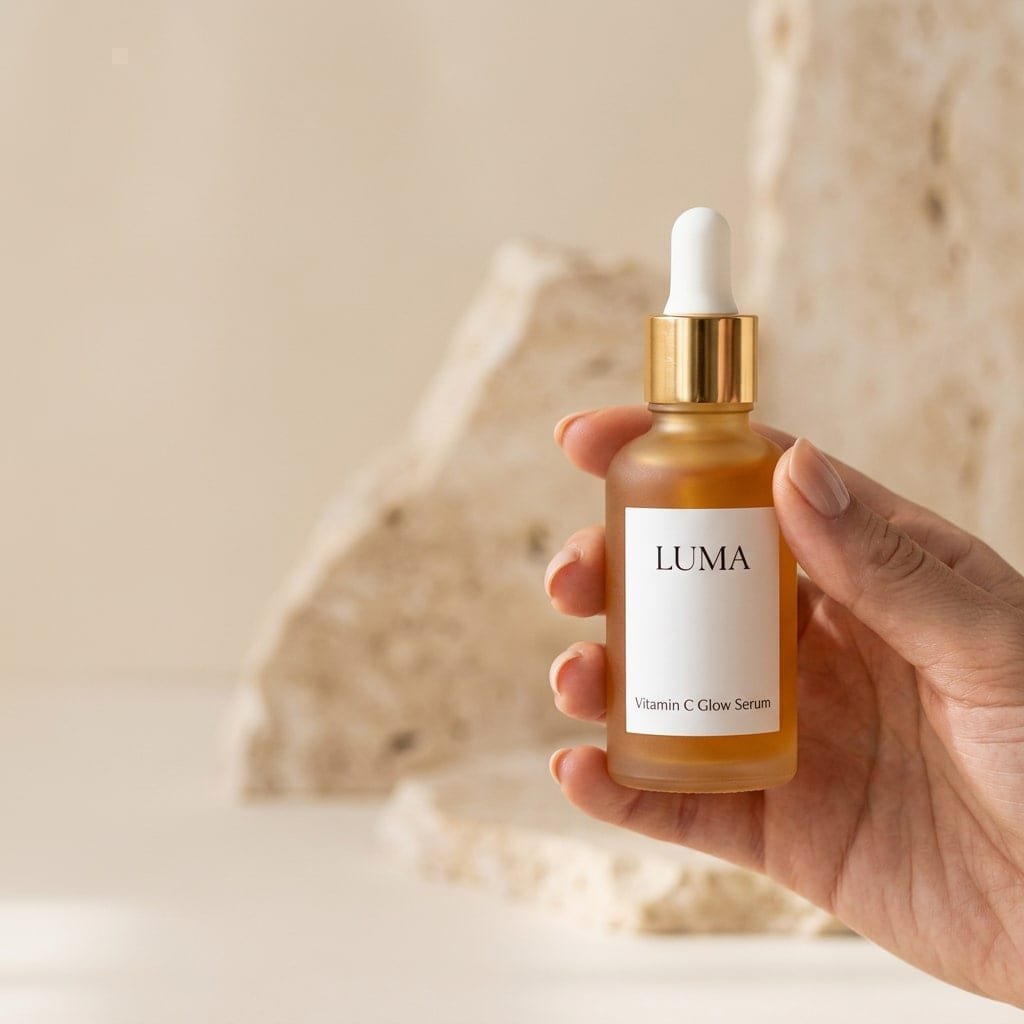
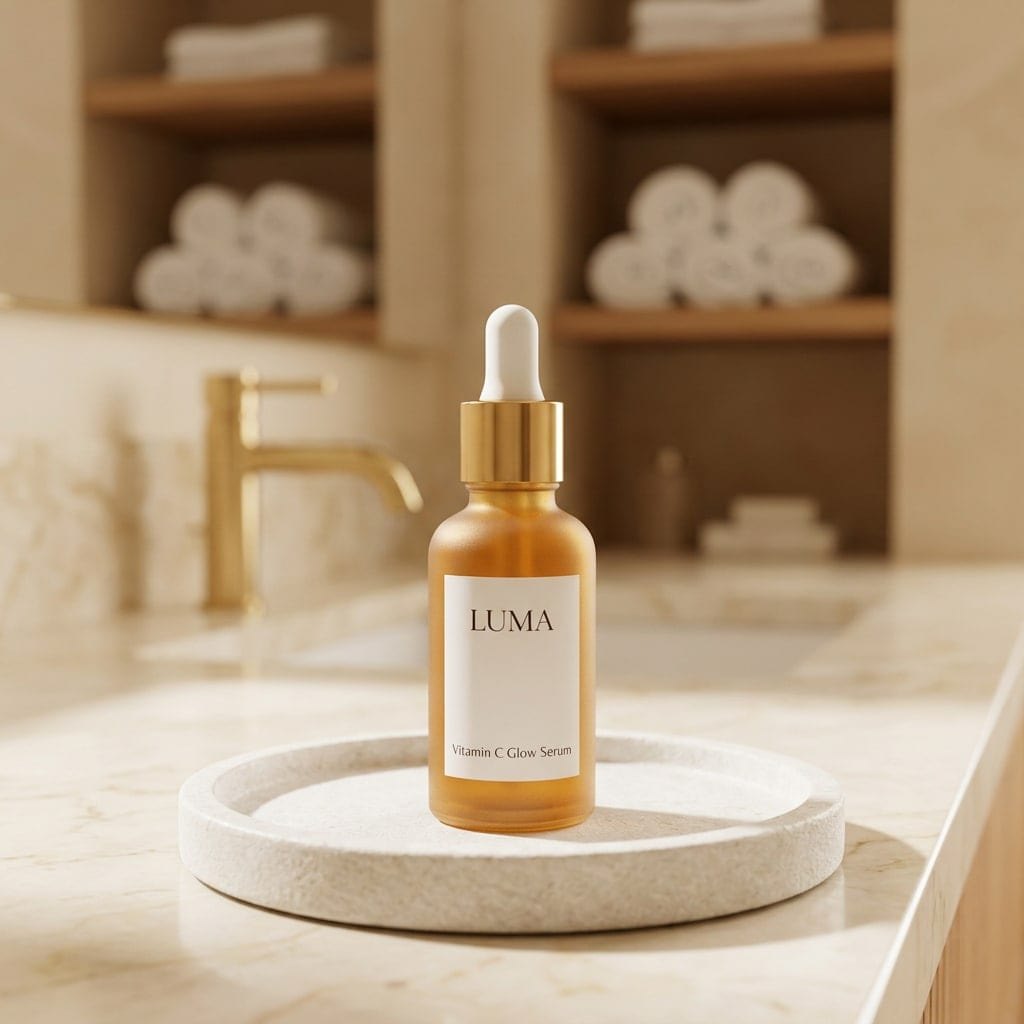

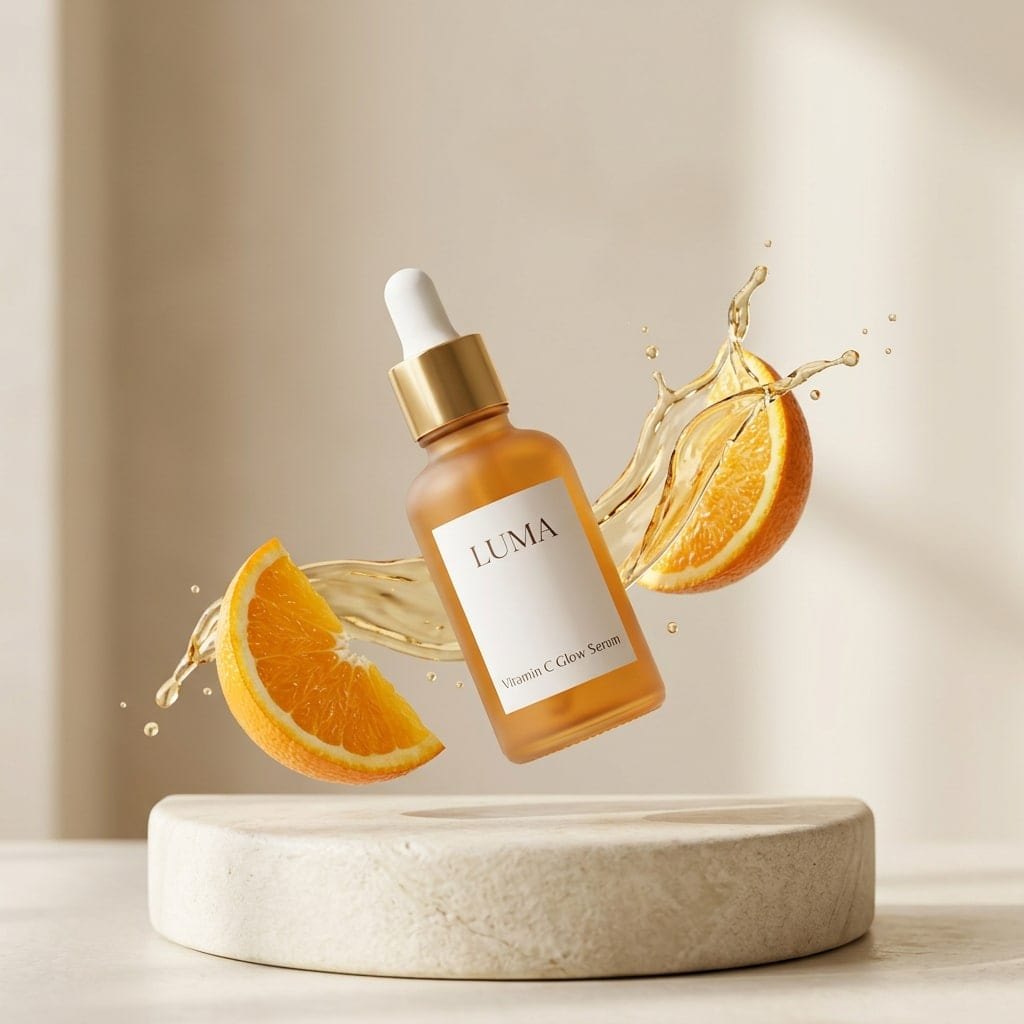
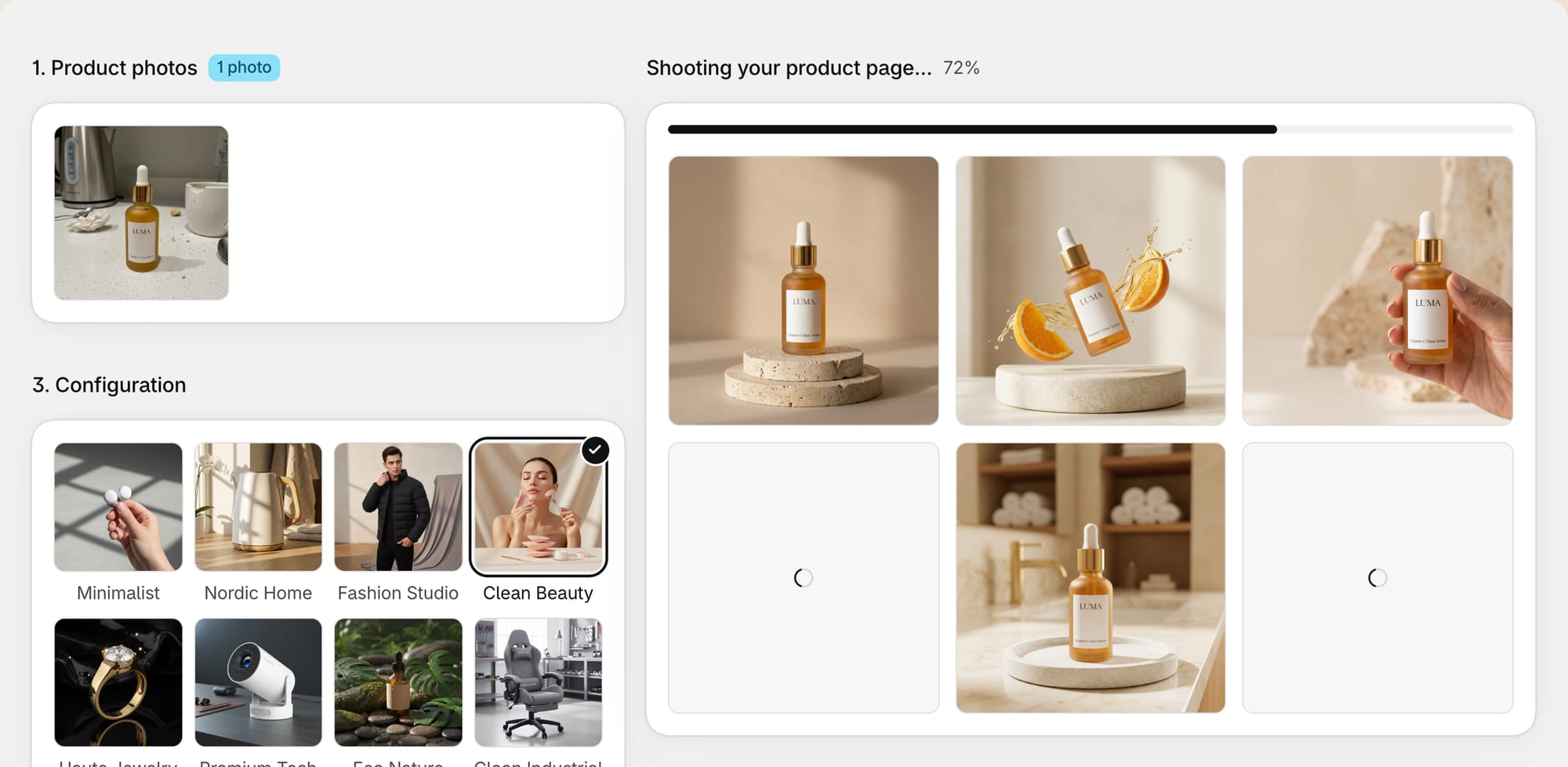
Square, 1024×1024 pxYour real label stays readableShots appear one by one
How it works
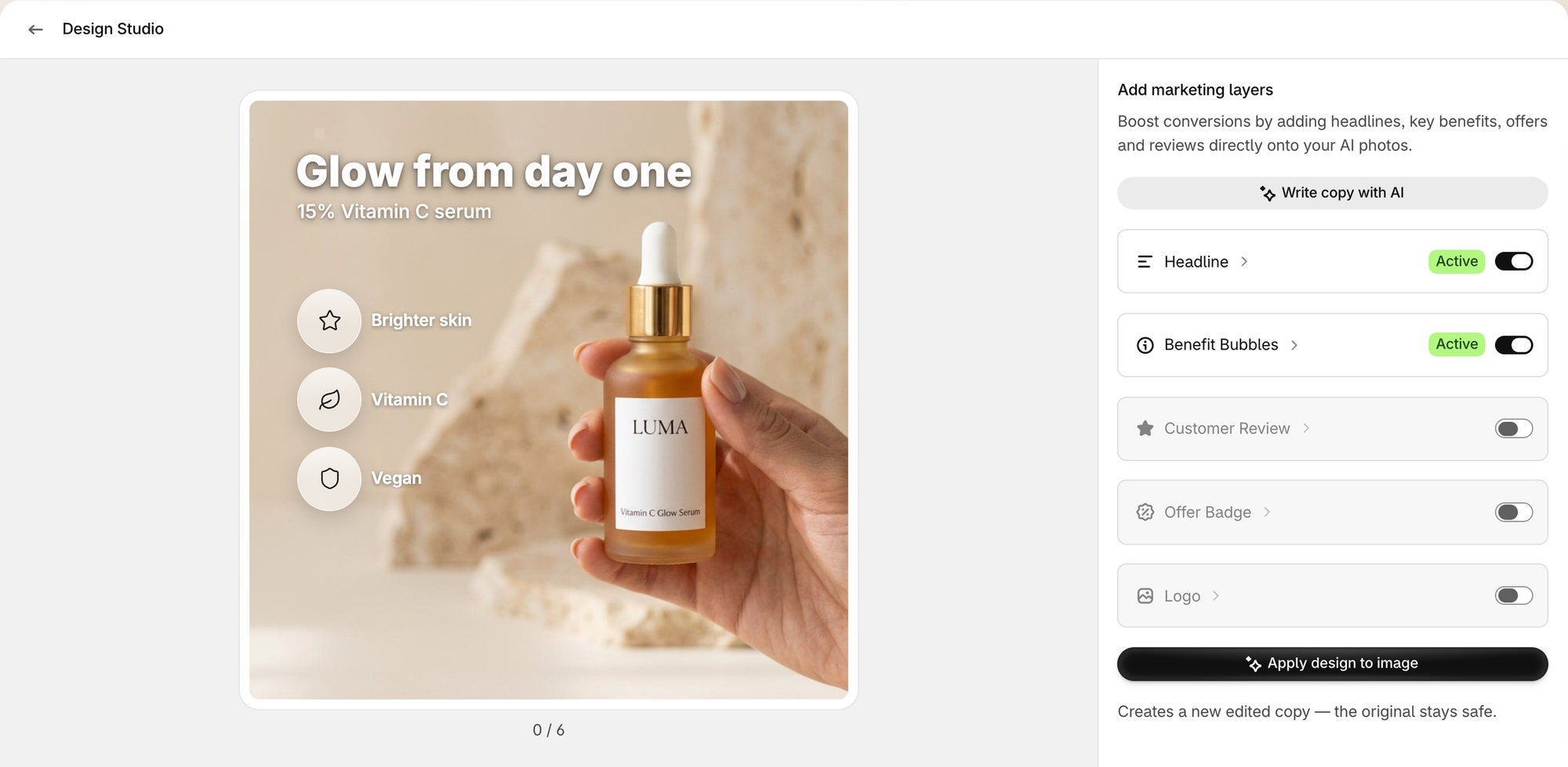
Design Studio
Turn every shot into an ad-ready image. Switch layers on and off, then apply. Sixora saves a new edited copy and keeps the original safe.
The 30-second tour
Photo styles
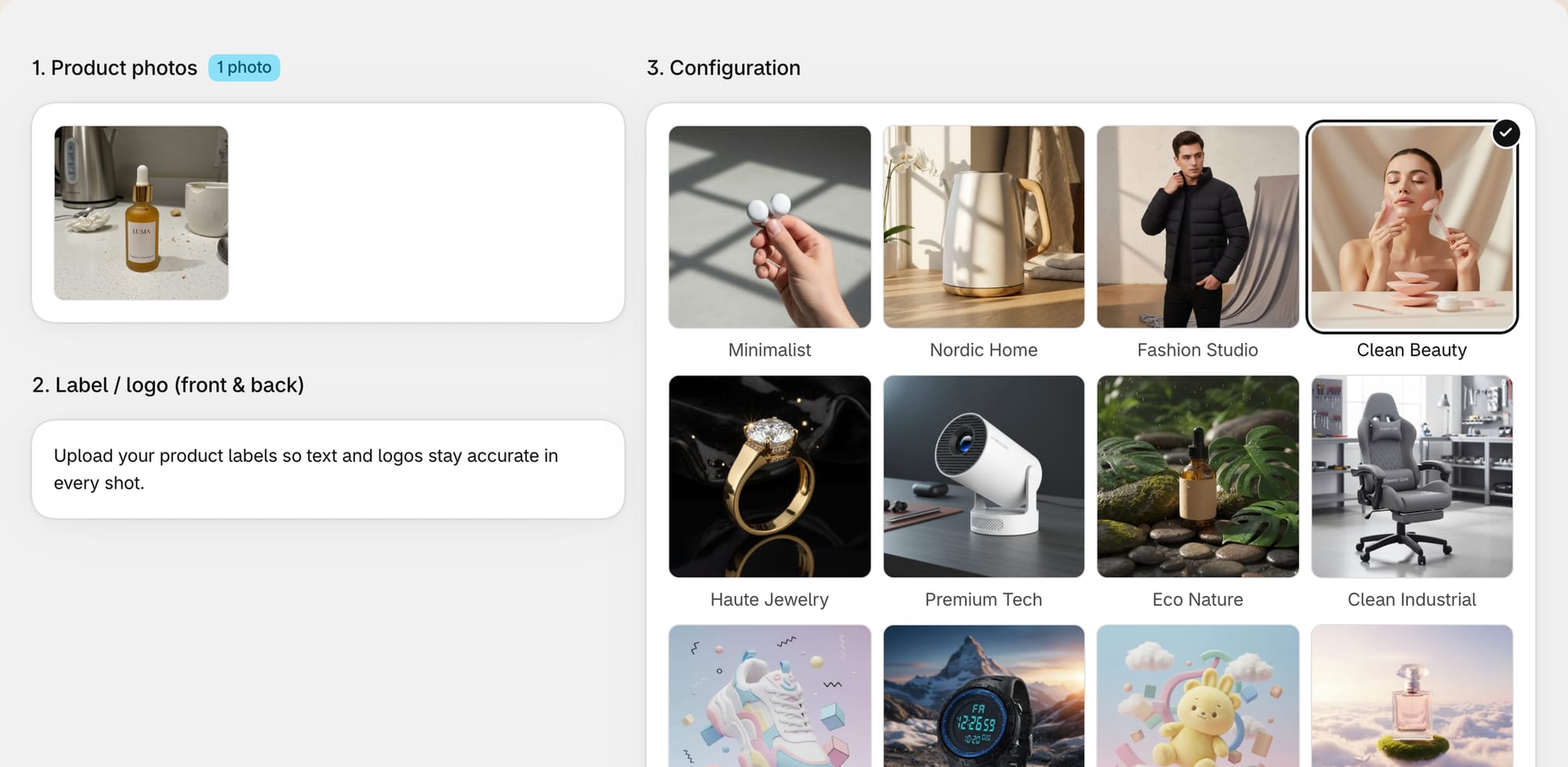
From clean beauty to haute jewelry. Pick the world your product lives in and Sixora builds the set around it.
Add your real label. Upload the front and back of your packaging so text and logos stay accurate in every shot.
Pricing
Start free, then pick a monthly plan that refills every 30 days, or a one-time pack. Unused credits roll over.
Start free. Every store gets 3 studio photos and the photo editor on install. Free photos carry a small Sixora logo until you upgrade.
Try 3 photos free3,000 creditsevery month · Made for small stores getting started
7,500 creditsevery month · Made for growing catalogs
21,000 creditsevery month · Made for agencies and big catalogs
750 creditsUnlocks your free photos
7,500 creditsNever expire
Prices in USD. Billed through Shopify. Cancel a subscription any time from Settings inside the app.
FAQ
Still wondering about something? Write to us and a person replies.
Any phone snapshot of your product. Add the front and back of your label as separate uploads so text and logos stay accurate in every shot.
Every photo is square, 1024×1024 pixels, which is what product pages and ad placements use.
About a minute for six photos. They show up one by one, so you can start looking while the rest finish.
Yes. When you install, your store gets 3 studio photos for free, with a small Sixora logo, and you can design them in the photo editor. Upgrade when you want clean photos, the AI copywriter and one-click publishing to your products.
On Shopify. Publishing uploads the photos to Shopify Files and adds them to your product, so they load from Shopify's CDN and not from our servers.
Open it in the Design Studio to add a headline, benefit bubbles, an offer badge or your logo. Applying a design creates a new edited copy and the original stays safe.
Everything is billed through Shopify, in USD, on your usual Shopify invoice. Subscriptions refill credits every 30 days. You can cancel from Settings inside the app.
Install Sixora on your Shopify store and your first three photos are on us.
Sixora is in Shopify App Store review